Certificates
Apicize supports the following types of client certificates for authorization:
- PKCS #8: With either separate or embedded certificate key
- PKCS #12: PFX with password
Certificates may be used in conjunction with other types of authorization
Configuration
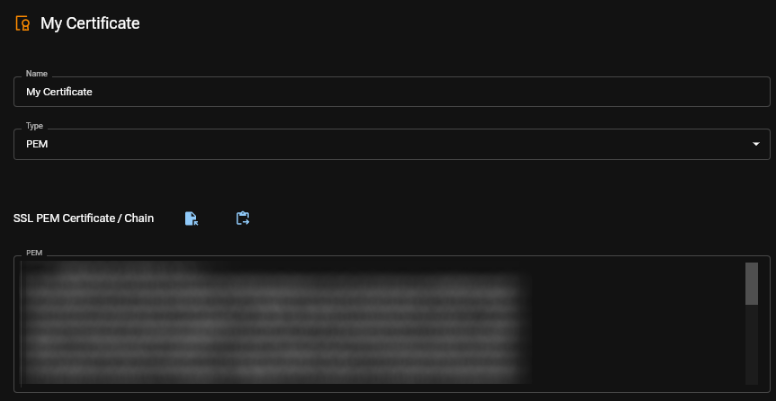
To add a new Certificate, click on the Plus sign next to Certificates in the navigation pane. Provide a name for your certificate, select a type, and fill in the information.
To delete a Certificate, select it in the navigation pane, and in its context menu, select "Delete Certificate".