Using the Apicize CLI Runner
Execute Apicize tests from the terminal and CI/CD pipelines
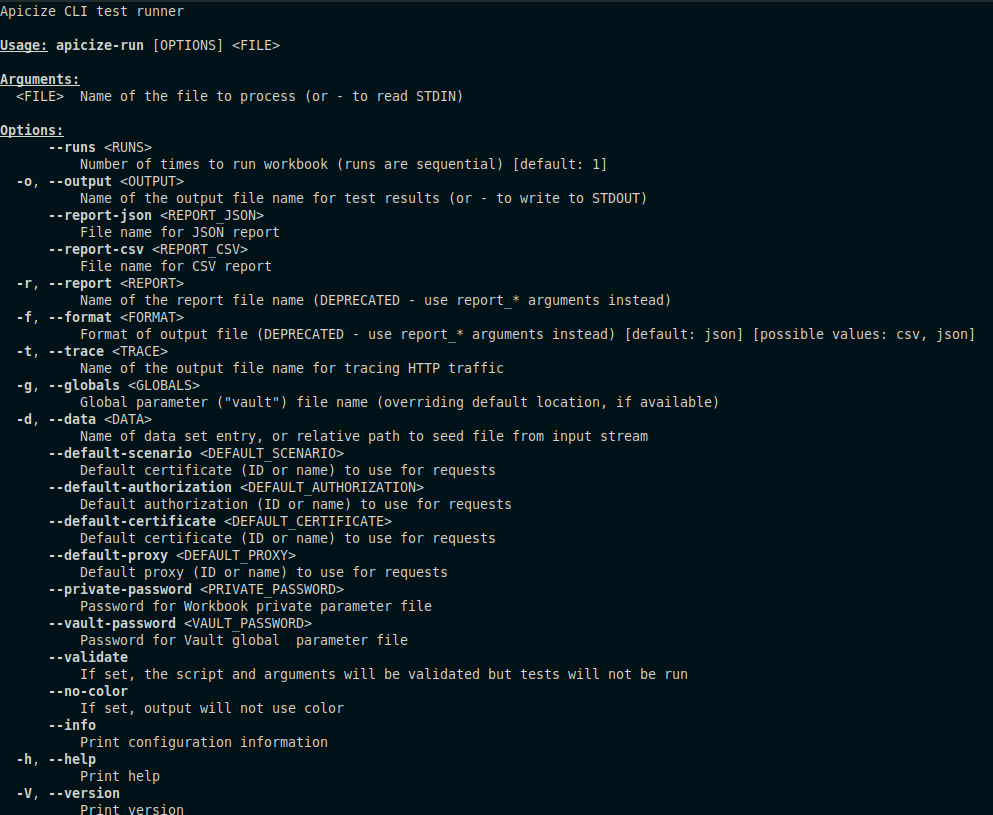
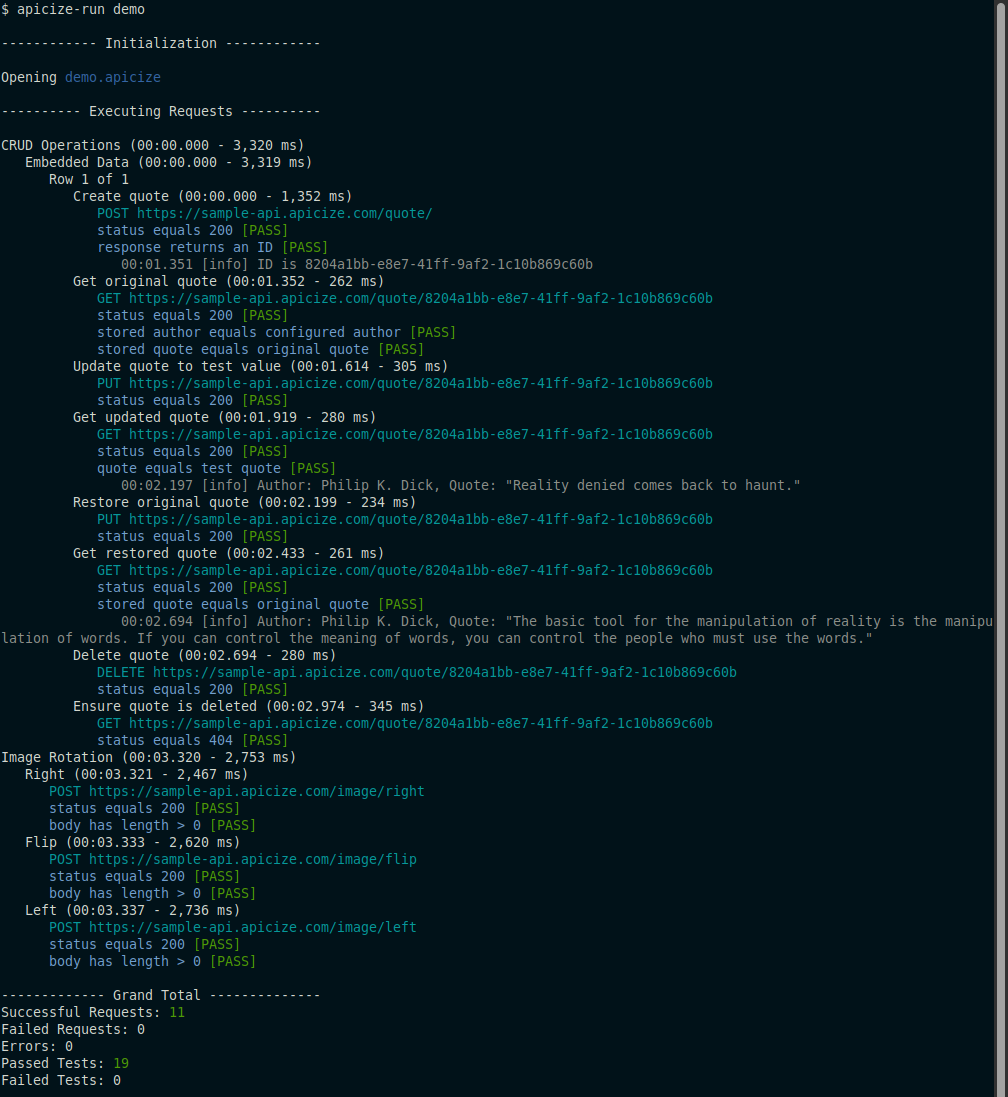
You can execute Apicize tests in a terminal using the Apicize CLI Runner. To use it, run
apicize-run (workbook name). You can specify a full or relative path name
for the workbook. If you just pass in the name of the workbook, Apicize will attempt to locate
it in the current user's documents Apicize directory.
By default, information about the run is displayed in a human-readable format when using it interactively. However, the runner includes options to make it usable from an unattended CI/CD pipeline as well.
Exit Codes
After execution, the runner will set the exit code as follows:
- Zero (0): All requests succeed and all tests passed
- Positive (> 0): Apicize was unable to make one or more requests or execute one or more tests
- Negative (< 0): General failure
Output Execution Data
You can use the --output argument to specify a file name to write detailed test
data in JSON format. You can store the test data file as an artifact for your pipeline's output.
Alternatively, you can set the output file name to -- to output the detailed test
data to STDOUT, and the human-readable format, along with any errors, will be output to STDERR.
Summarized Test Reports
Use the --report-csv and/or --report-json arguments to output a summary of tests results.
This file will include keys (defined in Requests or Groups) and tags (defined in Tests) that you can use to
link test results to an external test management system.
Managing Global Parameters
You can store definitions parameters like authorization and certificates in a JSON file and refer to it
using the --globals argument. The format is identical to that which is stored in
the .apicize-priv or globals.json file.
Apicize will match parameters based upon ID or Name, so if you have consistent naming conventions for authorizations, certificates, etc. you can maintain your CI/CD parameters without having to worry about matching IDs that developers use.
Overriding Workbook Parameters
You can override default parameters (scenario, authorization, certificate and/or proxy) by using the --default-scenario,
--default-authorizatino, --default-certificate and/or --default-proxy arguments.
These can be set to IDs or names.
Data Sets
Apicize supports the use of external data sets (JSON or CSV) to seed data during testing. If your workbook defines a default data set, you can use the `--data` argument to override it, and this value can be a file name as well as an ID or name of a data set defined in the workbook. If your workbook defines data sets from external files, you will want to make sure those files are available along with the script when executing tests.
Pipe Workbook In
If you want to pipe workbook data via STDIN as opposed to reading a file, specify --
as the file to process.